
RFID Protection: Do You Need a Blocking Wallet?
You’ve probably seen those sleek RFID blocking wallets advertised everywhere, promising to protect your credit cards from high-tech thieves. But do you actually need one? As someone who’s investigated countless identity theft cases, I’ll walk you through exactly how to figure out if your cards are vulnerable and what you can actually do about it.
Quick Take
In about 15 minutes, you’ll know whether your cards use RFID technology, understand the real risks (spoiler: they’re smaller than you think), and decide if an RFID blocking wallet makes sense for your situation. This isn’t about fear — it’s about making an informed choice based on your actual risk level.
Before You Start
What you’ll need:
- All your credit cards, debit cards, and ID cards
- Your smartphone (for a simple test)
- Access to your recent credit card and bank statements
How long this will take: 15-20 minutes to assess your cards and risk level, plus shopping time if you decide you want RFID protection.
Why this matters for your identity security: RFID (Radio Frequency Identification) cards can theoretically be skimmed without touching your wallet, but understanding the real risk helps you prioritize your identity protection efforts where they matter most.
Step-by-Step Instructions
Step 1: Identify Which Cards Use RFID Technology
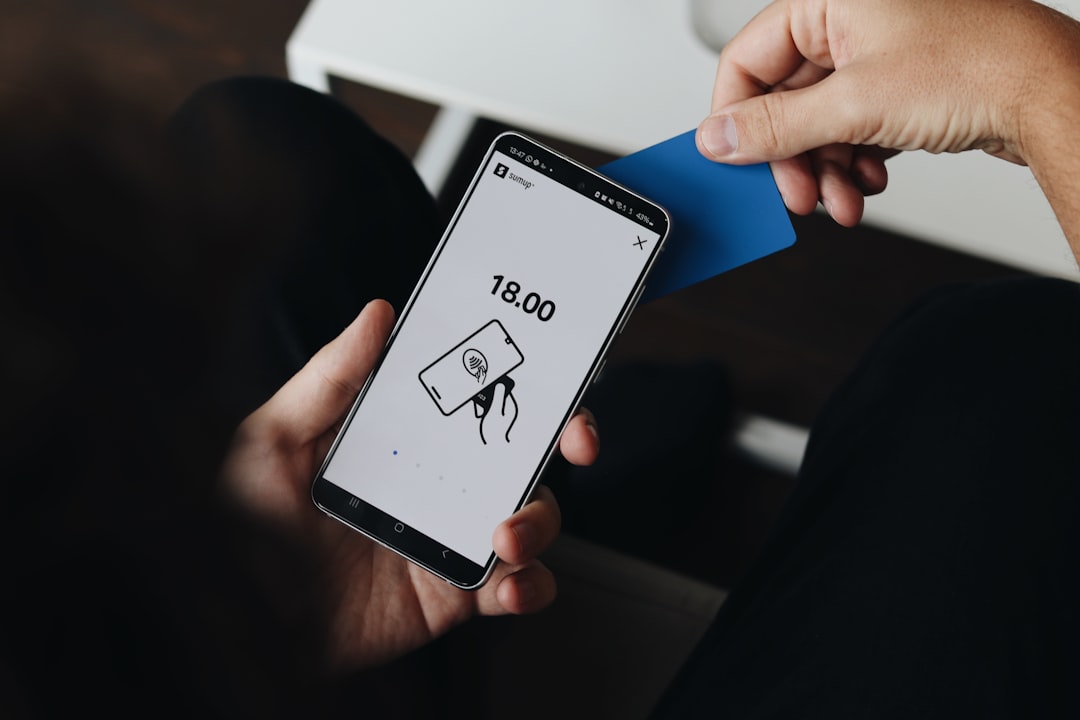
Look at each card in your wallet for the contactless payment symbol — it looks like a sideways WiFi symbol or curved lines radiating from a dot. This symbol indicates your card has RFID or NFC (Near Field Communication) technology built in.
What you’ll see:
- Cards with the symbol can be tapped at payment terminals
- Cards without the symbol require swiping or inserting
Quick test: Try tapping suspected RFID cards at a contactless payment terminal next time you’re shopping. If it works without inserting the card, it’s using RFID/NFC technology.
Tip: Don’t assume newer cards automatically have RFID. Some banks issue chip-only cards without contactless capability.
Step 2: Test Your Wallet’s Current Protection
Here’s a simple test to see if your current wallet already blocks RFID signals:
- Find a contactless payment terminal (most grocery stores, pharmacies, and fast-food restaurants have them)
- Try to pay with your RFID card while it’s still in your wallet
- Hold your wallet against the terminal without removing the card
If the payment doesn’t work: Your wallet might already be providing some RFID blocking protection, or the card simply can’t transmit through the other cards and materials.
If the payment works: Your wallet isn’t blocking RFID signals.
Important note: This test isn’t foolproof — payment terminals require very close contact, while theoretical skimming devices might work from slightly farther away.
Step 3: Assess Your Actual Risk Level
Before buying any protection, understand what you’re actually protecting against:
The theoretical threat: Criminals with RFID readers could walk by and scan your cards to capture account numbers and some additional data.
The reality check:
- RFID skimming requires close proximity (usually within 4 inches)
- The data captured is limited — thieves get your card number but not the CVV code or your PIN
- Your liability is the same as any unauthorized charge — $50 maximum under federal law, often $0 with your bank’s fraud protection
Higher risk situations:
- You frequently travel through crowded areas (airports, subway systems, busy tourist areas)
- You carry multiple RFID cards in a thin wallet
- You’re often in close physical proximity to strangers (crowded elevators, packed events)
Lower risk situations:
- You primarily drive and shop in suburban areas
- You carry your wallet in a back pocket or deep bag compartment
- You mainly use cash or non-RFID payment methods
Step 4: Consider Your Protection Options
You have several choices beyond just buying an RFID blocking wallet:
Option 1: RFID Blocking Wallet
- Cost: $15-100+ depending on style and brand
- Protection level: Blocks all RFID signals when wallet is closed
- Downside: You’ll need to remove cards to use contactless payments
Option 2: RFID Blocking Sleeves
- Cost: $10-20 for a pack of sleeves
- Protection level: Protects individual cards you choose to sleeve
- Benefit: You can protect sensitive cards while leaving others accessible for tap payments
Option 3: Strategic Card Placement
- Cost: Free
- Method: Place RFID cards between non-RFID cards or behind metal cards (some premium credit cards have metal construction that naturally blocks signals)
- Protection level: Partial — may reduce scanning range
Option 4: Do Nothing
- Cost: $0
- Risk acceptance: Rely on your bank’s fraud protection and monitoring
- Best for: People who check statements regularly and have good fraud monitoring in place
Verify Your Protection Works
If you decide to get RFID blocking protection, test it:
Testing RFID Blocking Wallets or Sleeves
- Put your RFID card in the wallet or sleeve
- Try to make a contactless payment with the protection in place
- The payment should fail — the terminal shouldn’t detect your card at all
If the payment still works: The blocking isn’t effective, or you haven’t fully enclosed the card.
If you get inconsistent results: Some blocking products work better than others. Cheaper options sometimes have gaps in coverage.
Testing Your Fraud Monitoring
Regardless of your RFID decision, make sure your fraud detection is working:
- Sign up for account alerts on all cards for transactions over $1
- Check your statements weekly rather than monthly
- Use your bank’s mobile app to monitor transactions in real-time
This matters because: Whether fraud comes from RFID skimming, online breaches, or card skimmers at ATMs, quick detection is your best protection.
Common Issues and Fixes
Problem: RFID Blocking Wallet Interferes with Work Badge or Key Fob
Solution: Keep work access cards in a separate, non-blocking compartment, or use RFID blocking sleeves only on payment cards.
Pro tip: Many RFID wallets have one unshielded pocket specifically for access cards.
Problem: Constantly Forgetting to Remove Cards for Contactless Payments
Solution: Consider RFID blocking sleeves instead of a full wallet, so you can protect sensitive cards while keeping everyday payment cards accessible.
Alternative: Some people keep one frequently-used card in a phone case for easy tap payments.
Problem: Unsure if the Protection Actually Works
Solution: Ask to test it at a store with contactless payment. Most cashiers are happy to let you try — just explain you’re testing new RFID blocking protection.
When to be concerned: If you paid for RFID blocking but your cards still work through the protection, return the product.
Problem: Family Members Need Different Levels of Protection
Solution: Assess each person’s risk individually. A teenager who mainly uses cash needs different protection than a business traveler with multiple corporate cards.
What to Do Next
Immediate Actions
Set up transaction alerts on all your cards regardless of your RFID decision. Most identity theft still comes from data breaches, not RFID skimming.
Check your credit reports at AnnualCreditReport.com to make sure no unauthorized accounts have been opened.
Consider a credit freeze — this stops new account fraud entirely and is more important than RFID protection for most people.
Ongoing Protection
Review your statements weekly using your bank’s mobile app. Quick detection beats any prevention method.
Update your fraud monitoring if you travel internationally or change your daily routine significantly.
Reassess annually when you get new cards or your lifestyle changes.
Complementary Security Steps
RFID protection is just one small piece of identity security. These steps matter more:
- Use a password manager for online accounts
- Enable two-factor authentication on financial accounts
- Be cautious about phishing emails asking for account information
- Monitor your credit reports regularly
Remember: More identity theft happens through data breaches and online fraud than through RFID skimming.
Frequently Asked Questions
Q: Can someone steal my identity just by walking past me with an RFID reader?
A: They could potentially capture your card number, but that’s not enough for identity theft on its own. They’d need additional information like your name, address, and security code to do real damage, and you’re protected by the same fraud liability limits as any unauthorized transaction.
Q: Do I need RFID protection for my driver’s license and passport?
A: Some newer driver’s licenses and all newer passports do contain RFID chips, but they’re designed with stronger security than payment cards. Your passport book actually provides some shielding when closed, though some people still prefer extra protection when traveling internationally.
Q: Are expensive RFID blocking wallets better than cheap ones?
A: The blocking technology itself is fairly simple — thin metal layers that interfere with radio signals. You’re usually paying for leather quality, craftsmanship, and brand names rather than better protection.
Q: Will RFID blocking interfere with my phone or other electronics?
A: No, RFID blocking materials are designed to block specific radio frequencies used by payment cards and ID cards. They won’t affect your phone’s cellular, WiFi, or Bluetooth connections.
Q: How do I know if unauthorized charges on my card came from RFID skimming?
A: You usually can’t tell the source of fraud from the charges themselves. RFID skimming, card skimmers, data breaches, and online fraud all result in similar unauthorized transactions, which is why broad fraud monitoring matters more than focusing on any single threat.
Your Next Step Forward
RFID blocking can be part of a smart identity protection strategy, but it’s not the most important part. Whether you decide to get an RFID blocking wallet or stick with your current one, the key is having comprehensive monitoring in place to catch fraud quickly, no matter how it happens.
Your identity security is about layering multiple protections — from credit freezes that stop new account fraud to real-time monitoring that catches unauthorized activity fast. IdentityProtector.com gives you comprehensive identity monitoring, real-time alerts when your information is found in breaches or on the dark web, credit monitoring across all three bureaus, and expert recovery support if the worst happens. Because when it comes to protecting your identity, knowing about threats quickly and having expert help when you need it matters more than any single gadget or gizmo.
Take control of your complete identity security today — RFID protection included, but never limiting your safety to just one approach.
